Drones and emplacements
Bring a drone or a hound into a fight and command it on your turn, leash and recall it, set up barricades and turrets, and take cover behind them.
For playersSome sims let you bring help into a fight: a drone, such as a combat drone or a trained hound, that fights on your side; and an emplacement, such as a barricade or a turret, that you set up on the field. Your sim switches each on separately, and decides what it has: a sci-fi sim might have drones and turrets, a fantasy one hounds.
Drones
Bring one into a fight
A drone is an item. Buy it, craft it or be given it, then equip it. Every drone you have equipped joins each fight you start or join from the start, on your side, with its own HP. Some need a skill to equip or to command.
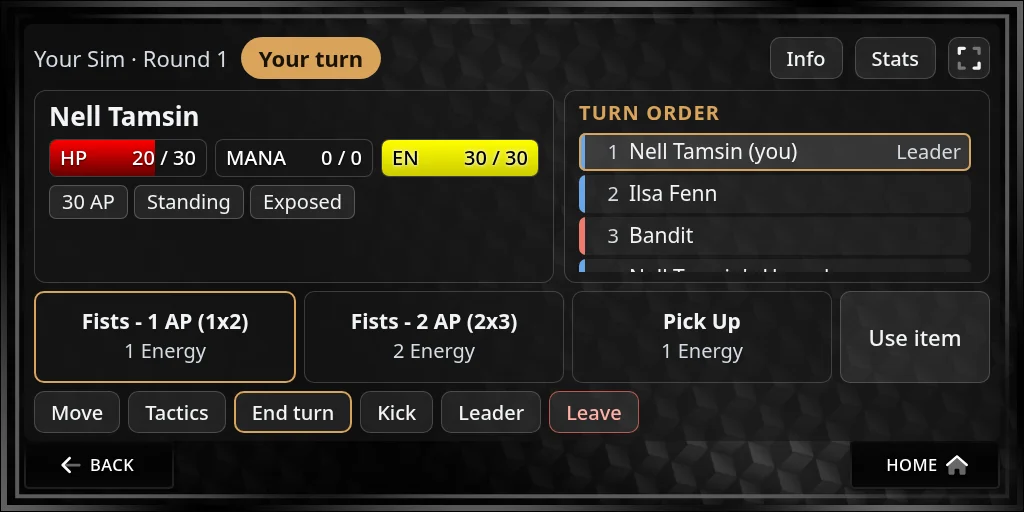
Chat says when it arrives, for example “Nell Tamsin’s Hound joins the fight on team 1 (20 HP).” Your HUD puts a token for it next to you in-world. It starts leashed: it stays at your side and follows you when you move.
A drone never takes a turn of its own. It sits after everyone else in the turn order, with no number, and acts when someone on your side commands it on their turn.
Command it
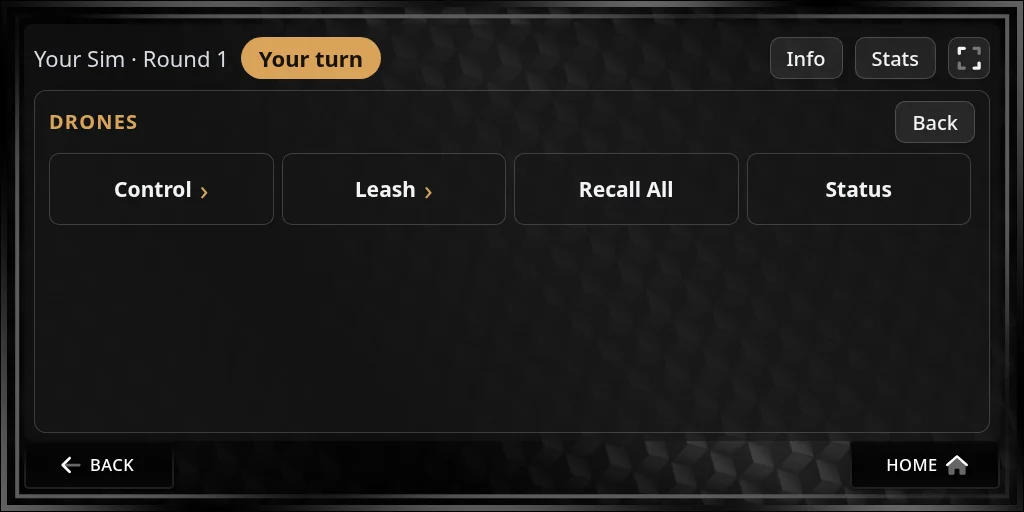
- On your turn, press Tactics, then Drones, then Control.
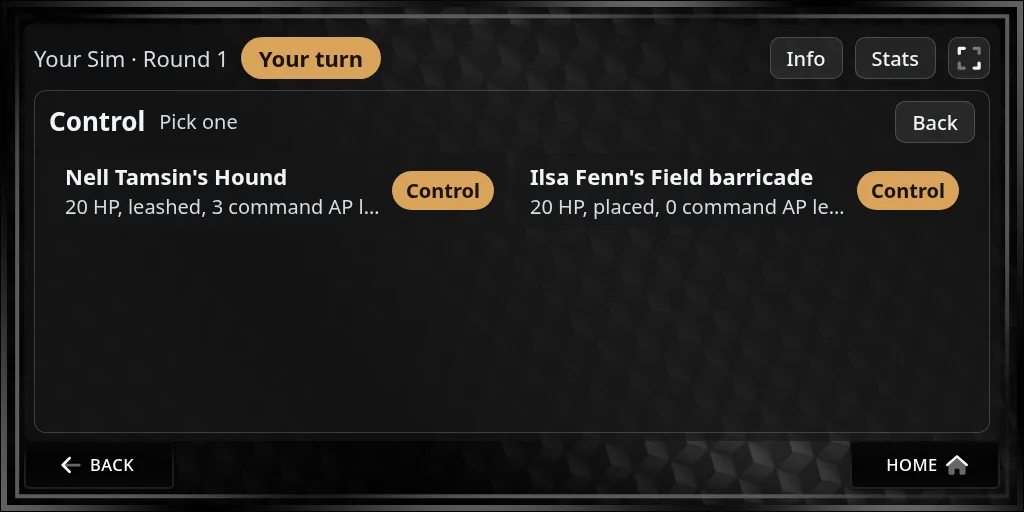
- Pick the drone. The list shows each drone on your side, its HP, whether it’s leashed or deployed, and the commands it has left this turn.
- Press Control.
While you control it, the top of the fight page reads Acting as: and the drone’s name. Its abilities replace yours on the bar, and Move, Tactics and the targets all act for the drone.
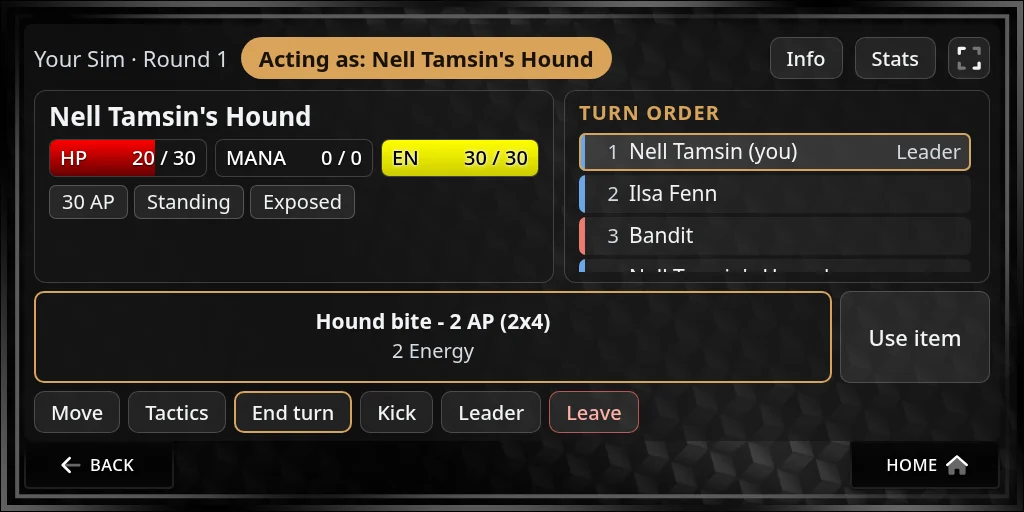
- What it costs: every command costs the drone’s own command points, usually 3 a turn (4 in fights against NPCs on some sims), and the same Energy from you. When the drone has none left, it can’t do more this turn.
- Attacking: a drone’s attack counts as your attack for the turn, if your sim limits attacks.
- Moving it: press Move while you control it. A drone moves its own distance for each point.
- How far: you can take control of a drone within 5 metres of you, plus 5 for each point of your Software skill, on sims that use it.
- Anyone on your side can command any drone on your side, one at a time, if they have the skill it needs.
- Letting go: press Release Control, or it lets go when your turn ends. Its command points come back at the next turn.
Once a drone acts, it’s deployed: it stays where it is instead of following you.
Leash and recall
On the Drones panel:
- Leash pulls one drone back to your side, within 15 metres of you. It costs 1 Energy, and the drone can’t attack again this turn.
- Recall All brings all your own deployed drones back to you, for 3 Energy.
- Come Here, while you’re moving a drone you control, jumps its token to you.
- Status lists your side’s drones in chat: their HP, whether they’re leashed or deployed, and their command points left.
You can also use chat: @drone for the status, @drone control <name>, @drone release, @drone leash <name>, @drone recall and @drone come.
When it’s destroyed
At 0 HP a drone is disabled. It stays on the field until the fight ends, but can’t be commanded, leashed or recalled. Healing can bring it back. It doesn’t keep your side in the fight: if everyone else on your side is down, you lose.
After the fight, your drone is back to full HP, ready for the next one. Drones can’t be looted, don’t earn XP and don’t take wounds.
Emplacements
An emplacement is something you set up in the fight: a barricade or wall to hide behind, a turret, or a station. It has its own HP, can be attacked and destroyed, and never takes a turn.
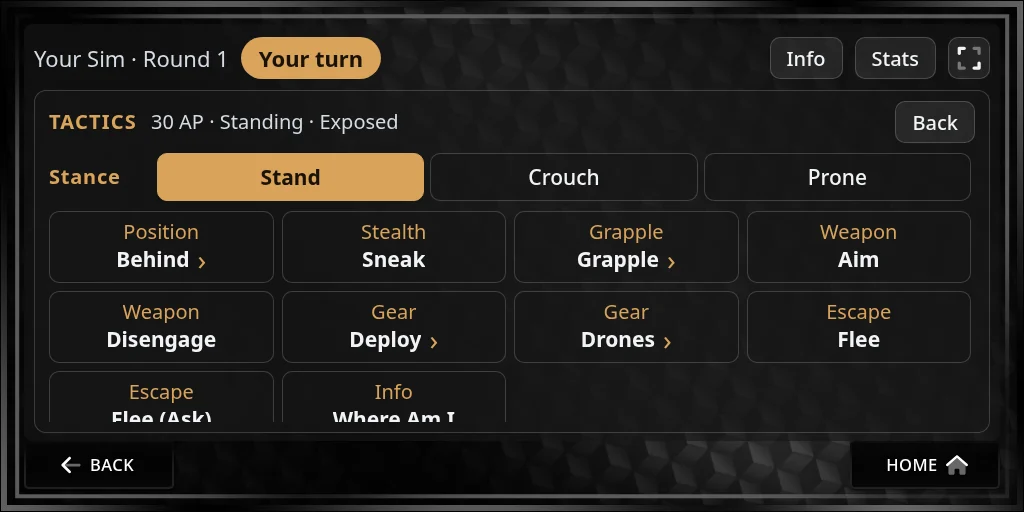
Set one up
- On your turn, press Tactics, then Deploy, and pick what to place. Or type
@deploy <item>. - Your HUD puts its token next to you. Drag it where you want it, at least 2 metres from any enemy.
- Press Done. Cancel packs it away, and nothing is spent.
Setting one up costs 2 Energy. Most are used up when you place them. Some can be moved afterwards like a drone, and others stay put.
Take cover behind one
- Stand within 2 metres of an emplacement on your side that gives cover.
- On your turn, press Tactics, then Behind, pick it and press Take Cover. Or type
@party cover behind <name>.
It’s free. While you’re behind it, how well an attack on you rolls decides what it hits:
| The attack rolls | It hits |
|---|---|
| Under 8 | Nothing: it misses |
| 8 to 15 | The emplacement, instead of you |
| 16 or more | You |
A critical miss always misses, and a critical hit always hits you. You leave its cover when you move, pick other cover, or it’s destroyed.
Turrets
A turret is an emplacement with attacks. Command it like a drone, with Control, on your turn.