Run your roleplay on Black Box
Black Box handles the game side of your sim, from characters and fights to the economy and quests, so your staff can spend their time on the story.
What your sim gets
A HUD for every player
Characters, fights, inventory, trade, quests and events, in your sim's theme.
Your own website
Players see their characters and records there. Your staff run the sim from it.
Your rules
A rule set to start from and more than two hundred optional rules to switch on or off.
In-world objects
A titler, a delivery server for the HUD, and doors, lights, power and alarms tied to the game.
How it fits together
Everything a player does on the HUD lands in your sim's Black Box, and your website reads from the same place, so players and staff always see the same records.
In your sim
- The HUD on every player
- Titlers over every head
- Doors, lights, alarms, crafting stations
- The delivery server
Black Box
- Your sim's own database and settings
- Live updates to every HUD
- Scheduled jobs: stipends, interest, wounds
Your website
- Players: characters, sheets, events
- Staff: rules, items, quests, groups
- Logs, reports and approvals
Getting your sim set up
- 1
Your sim gets its own Black Box
Its own database, settings and website, so nothing you build mixes with another sim's.
- 2
Pick your rules
Choose a rule set, then switch on the optional rules your game uses: cover, wounds, magic, and the rest.
- 3
Build your world
On the website: classes and races, abilities, items, vendors, crafting, quests and groups. Give the HUD your sim's look.
- 4
Hand out the HUD
Put out the delivery server. Players wear the HUD, accept your terms and make their characters.
The staff guides walk through the website once you're set up.
Rule sets
Your sim picks a rule set as its default, and a group can have its own. The rule set decides how checks, turns and fights work, and which optional rules are on.
- No dice
Freeform
Characters, items, quests and the rest, with no combat rules at all.
- d20
Norune
Fantasy rules: d20 plus your stats, with classes, races and levels.
- 3d6
New Frontiers
Science fiction: 3d6 plus a skill against the target's cover, with rows, stealth and drones.
- 3d6
Karhu
Medieval: 3d6 plus training against defense or ward, with magic, runes and songs.
- d10
Dice pools
Roll a handful of d10s and count the successes.
Good to know
- Can we leave combat out?
- Yes. The Freeform rule set has no combat rules, and every optional rule can stay off.
- Can the HUD use our own art?
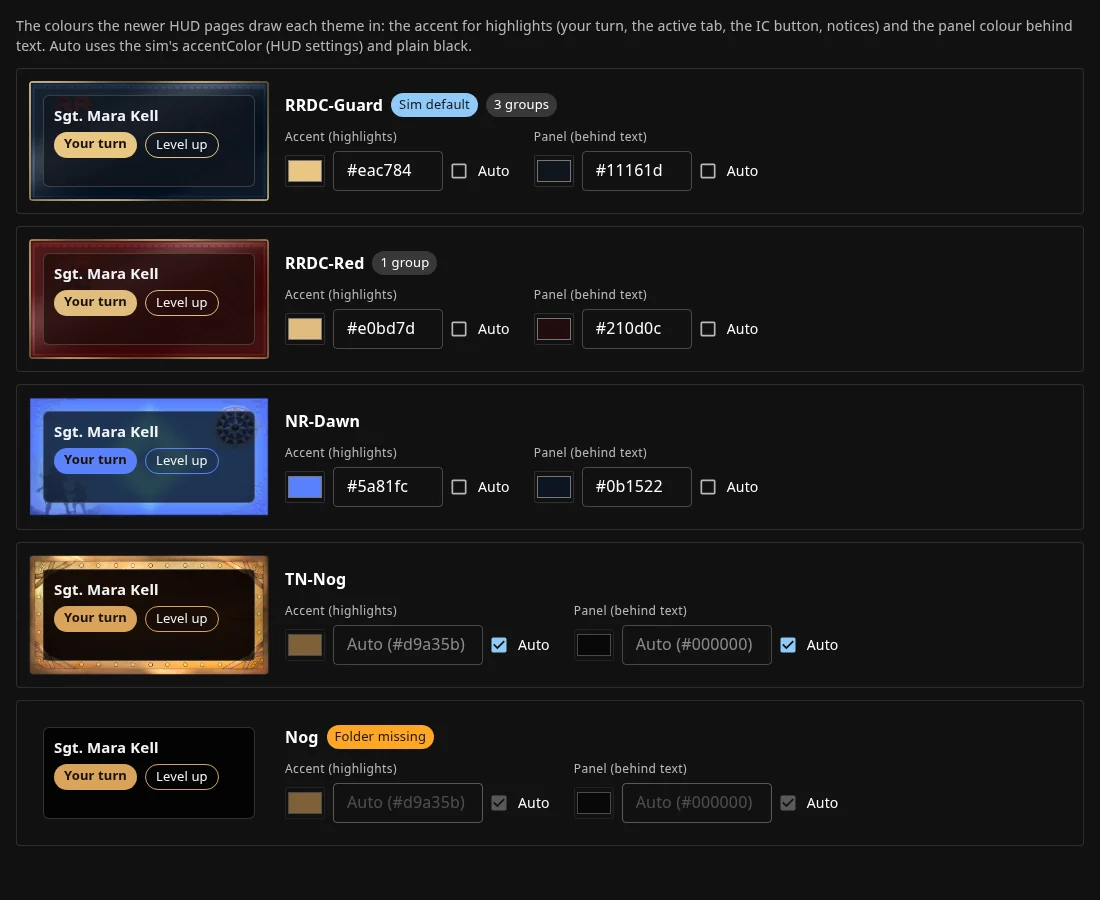
- Yes. Each sim has its own theme, and each group can have one too, with its own accent and panel colours.
- Is what players write in roleplay stored?
- No. Roleplay experience is counted from each emote's length and how many people were nearby. The words themselves are never kept.
- Which languages does it speak?
- English and German. Your staff can reword any line the HUD shows, for your sim only.
- Can staff have different access?
- Yes. Staff roles each have their own menus and permissions on the website.
Talk to us about your sim
Come and say hello on the Black Box Systems Discord, with your sim's name and the kind of roleplay you run. You can also message Kanika Parnass or Shadoskill Heckroth in Second Life.